Run your first AI visibility report
From your domain to a scored report: scan your site, confirm your brand, pick competitors, and watch AI models answer real buyer questions live.
About 15 minutes · 8 steps
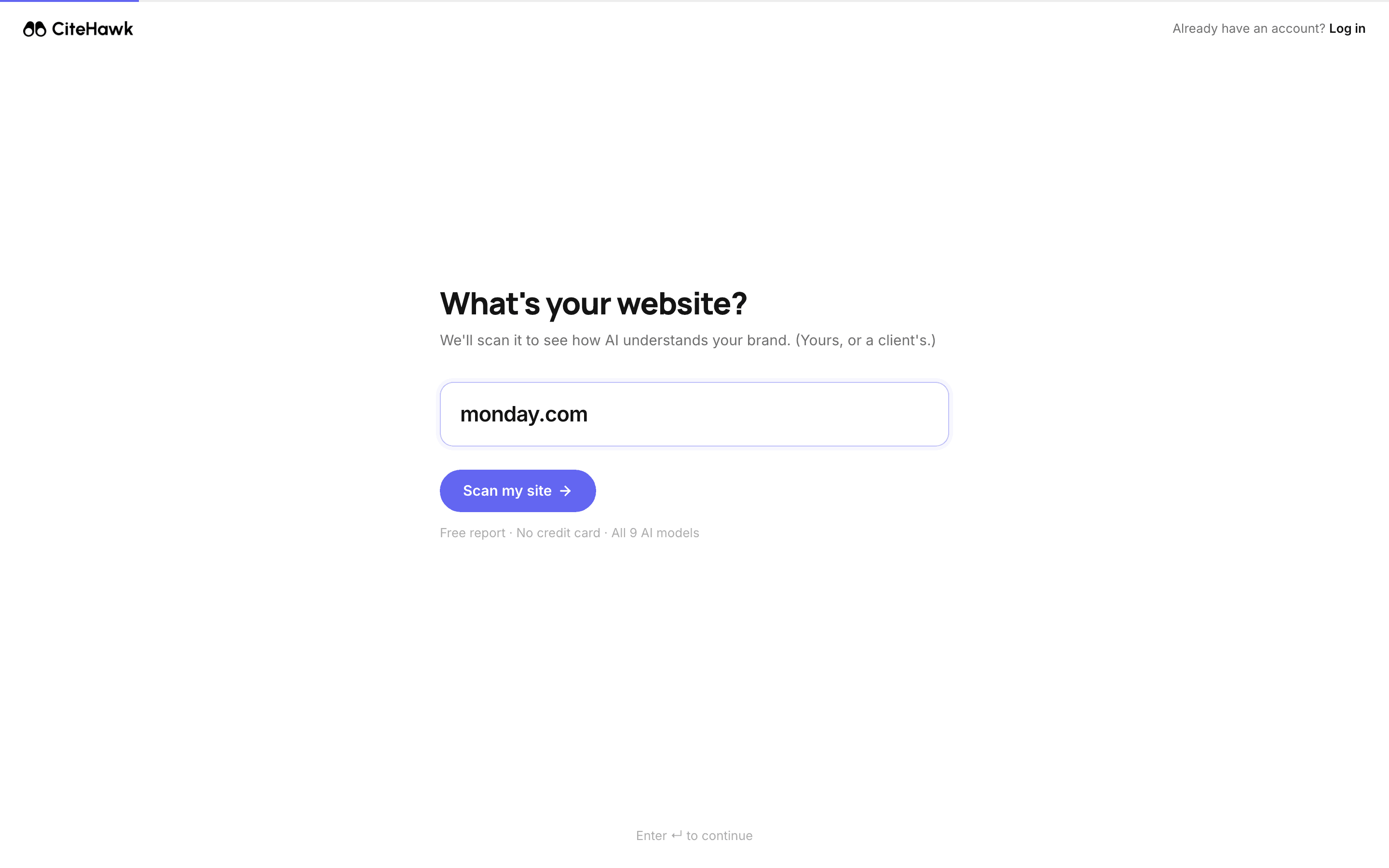
Tell us your website
Start at citehawk.com/signup. Type your domain and click Scan my site. The report is free and needs no credit card. If you run an agency, you can enter a client domain here instead of your own.
You should see: The scanner reads your homepage, works out your category, and lists the competitors it found, then moves you forward on its own.
Confirm what AI should recognize
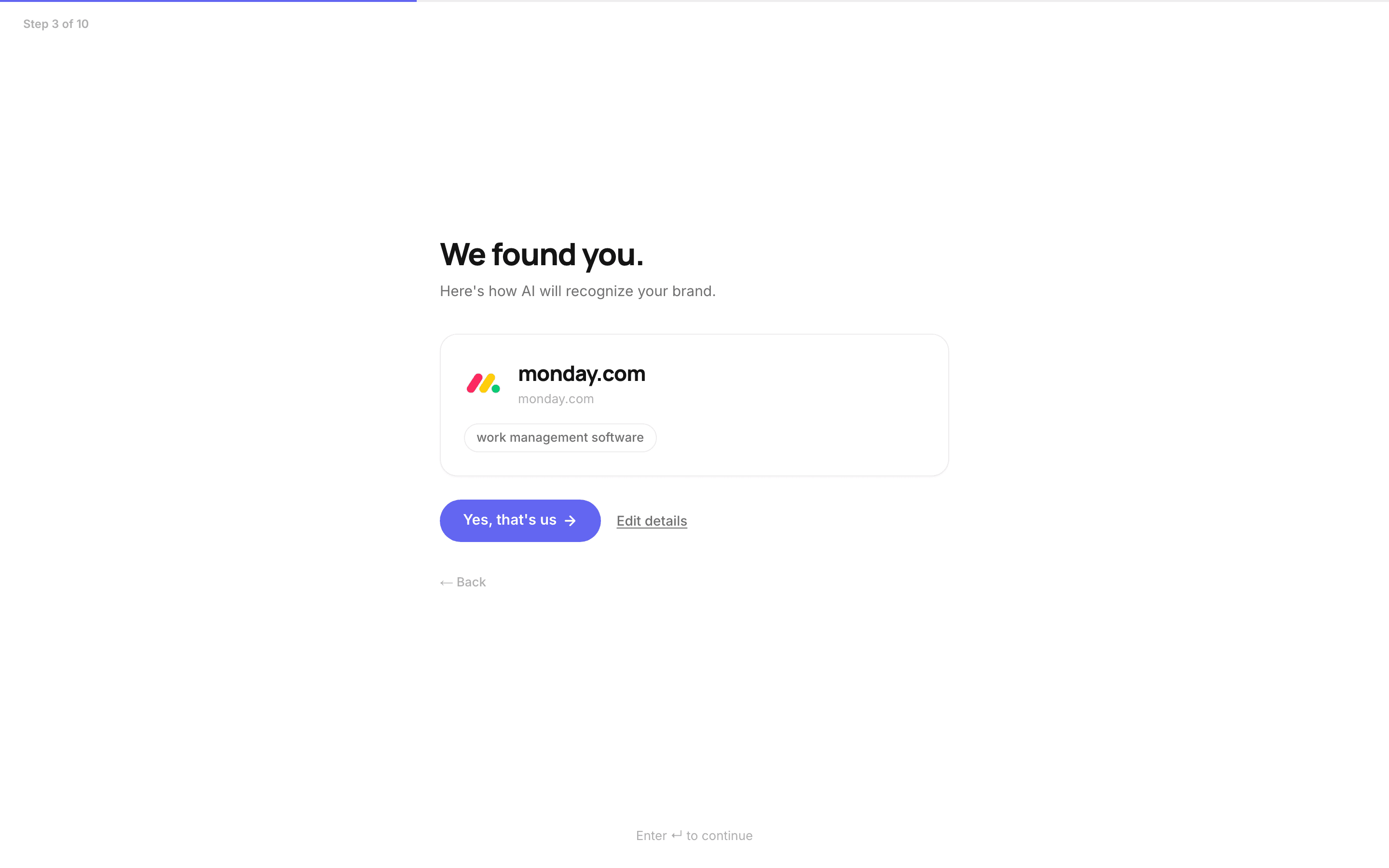
The wizard shows the brand it found: name, domain and category. These details shape every question we put to the AI models, so if anything reads wrong, click Edit details and fix it, then confirm with Yes, that's us. You can refine them later in Settings under Brand profile.
Say who this is for and how far you reach
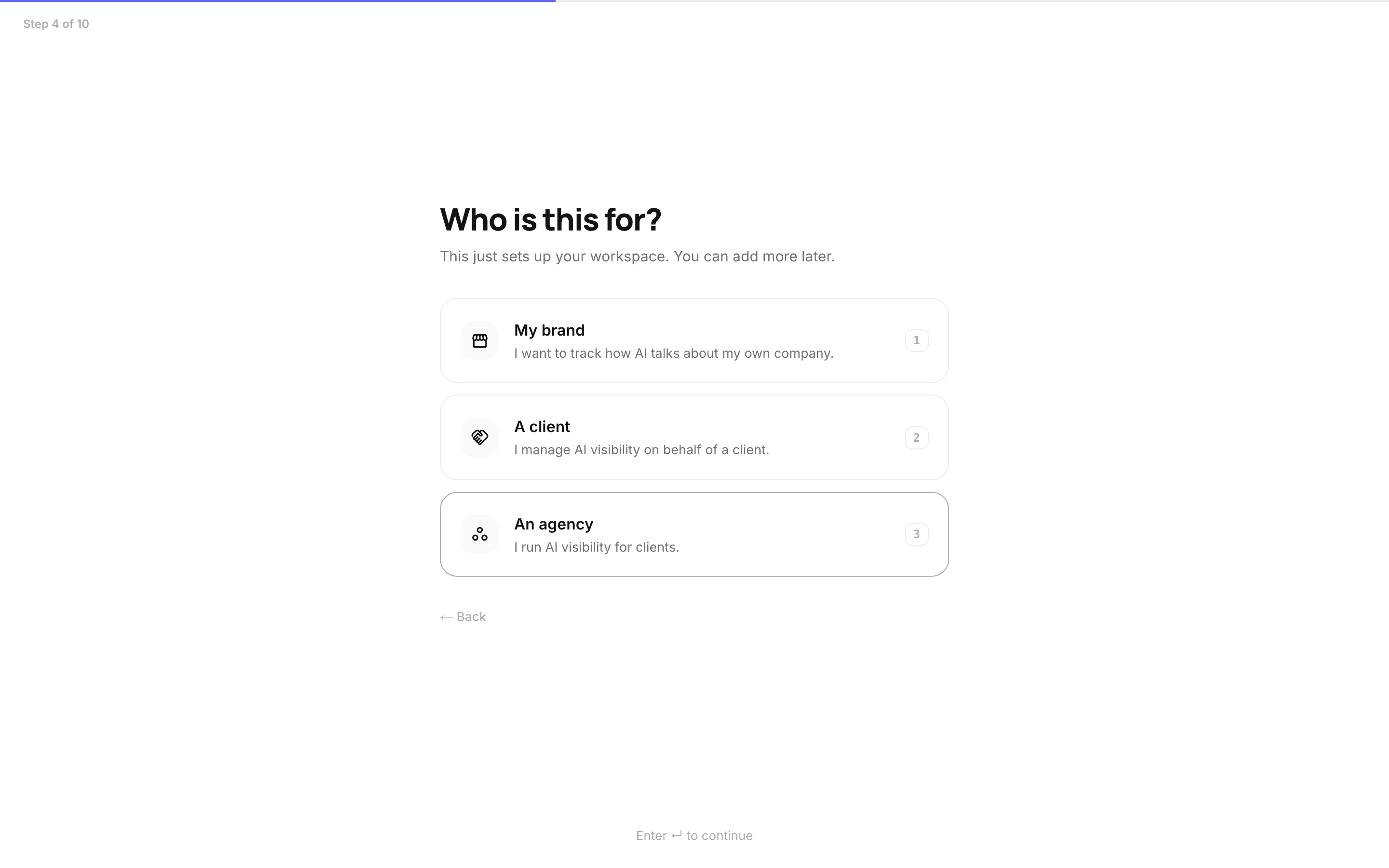
Pick whether the workspace tracks your own brand, a client, or your agency, then pick how far the brand reaches: global, national, or regional. Reach decides which markets we ask the AI models about.
Pick your competitor set
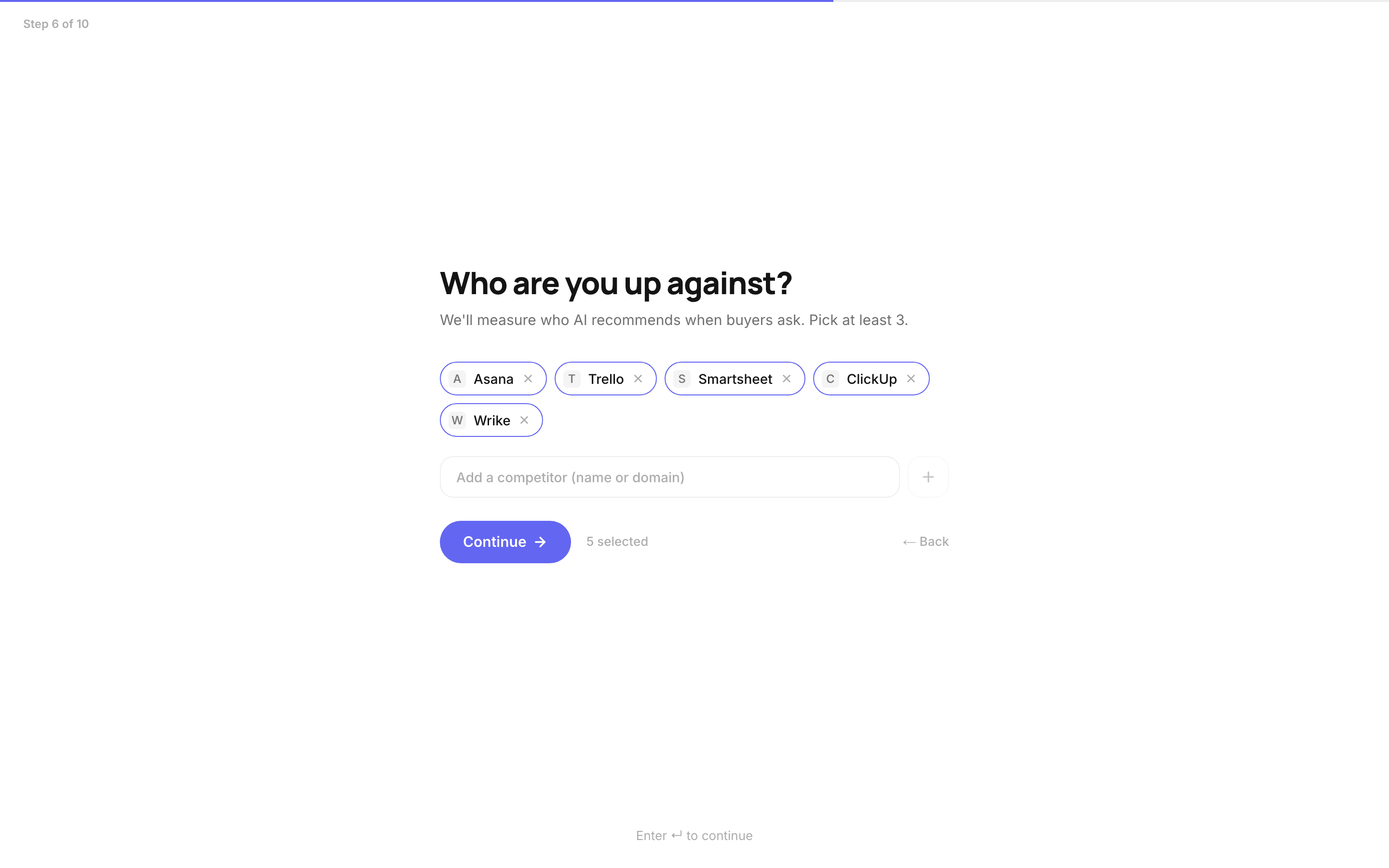
The scan suggests competitors; toggle the ones that fit and add any it missed. Keep at least three. Your rankings, share of answer and the brand race all measure you against this set, so choose the names buyers actually compare you with.
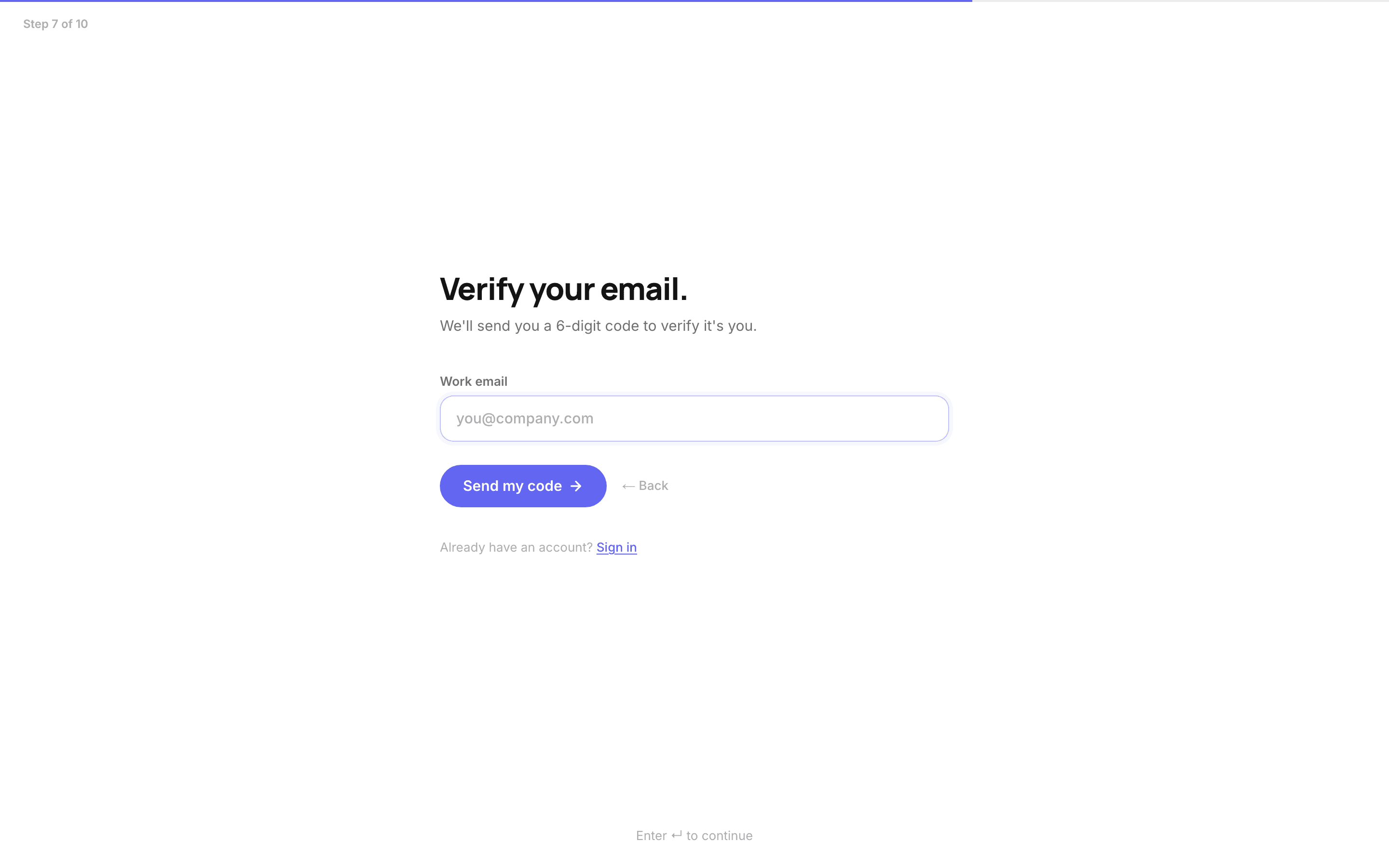
Verify your email and set a password
Enter your work email and we send a 6-digit code. After the code, set a password for next time. Your workspace is created the moment you finish.
Watch your first collection live
CiteHawk now interviews the AI models with buyer questions written for your brand: purchase intent, comparisons, recommendations. First answers land in a minute or two, and the whole run takes a few minutes across two stages, collecting answers and then scoring them. You can watch, or close the tab: we email you when the report is ready.
You should see: The progress board fills engine by engine, and chips appear as AI models name your brand.
Read your report
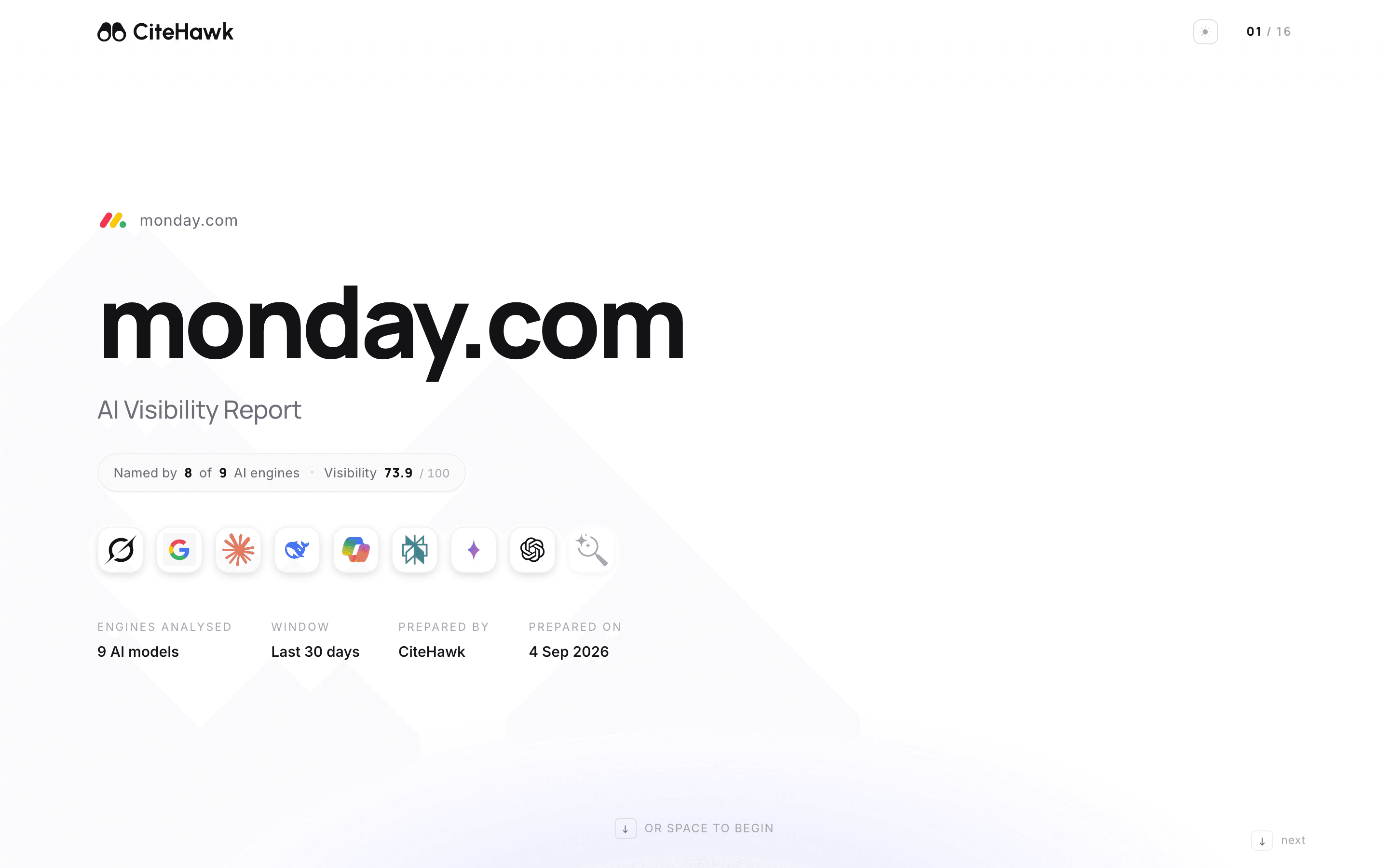
The report opens as a guided report, chapter by chapter; the arrow keys or spacebar move you through it. Your AI Visibility Score out of 100 blends presence, how often AI models name you in answers, with authority, how often they cite your site as the source. The deck then walks the evidence: who leads the answers, where you show up by model, what the AI models actually say, and where the gaps are.
Find your report any time
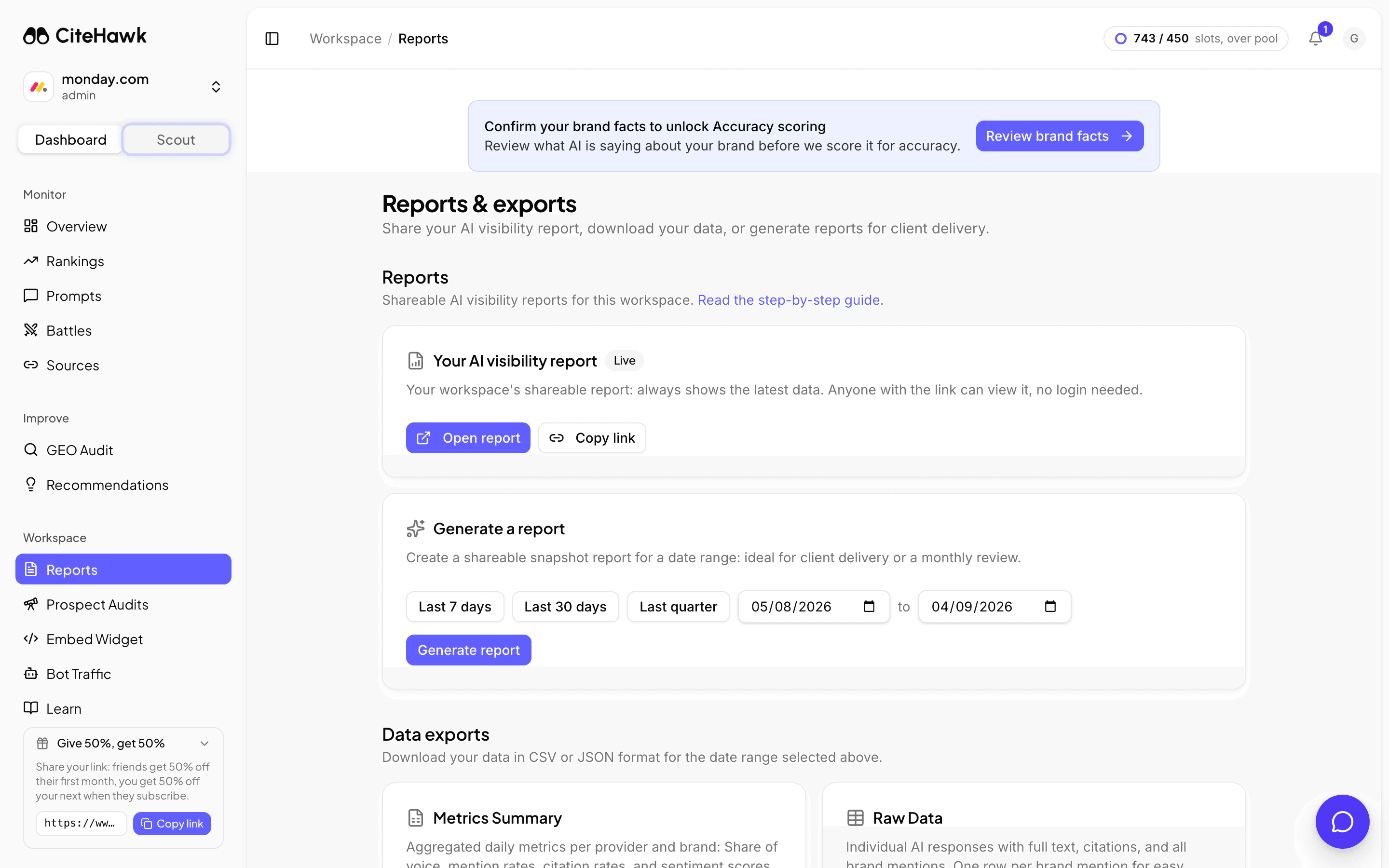
In your workspace, open Reports. Your AI visibility report is a live share link: it always shows your latest data, and anyone with the link can view it without logging in. Every new workspace starts with 14 days of full access: the clock starts when you click the trial button at the end of your first report, or a day after that report is ready, whichever comes first, and a fresh collection runs every week for those 14 days. After the trial, free workspaces keep their first snapshot; weekly re-runs are part of the paid plans.
You should see: The Reports page shows Your AI visibility report with Open report and Copy link buttons.
If something doesn’t look right
The scan got my brand or category wrong
Edit the fields on the confirmation step before you continue. Already past it? Everything the scan captured can be corrected in Settings under Brand profile, and your next collection uses the corrected details.
The collection looks stuck
First answers usually land within a minute or two, but a full run takes a few minutes: fifty questions across every AI model is a lot of interviews. It keeps running if you close the tab, and we email you a link when the report is ready.
I closed the tab during the collection
Nothing is lost. A banner in your workspace shows the live progress with a Watch live link, and the finished report appears on the Reports page and in your email.
My report never updates
Free workspaces get one snapshot: the report keeps serving your first collection. Weekly re-runs, the brand race over time, and week-on-week movement are part of the paid plans.